

01
Items & stock
Item catalogue with categories, cost and sale price, opening stock and live quantity on hand across every warehouse and branch.
One standard ERP for every counter, branch and warehouse
Everything inventory: stock, warehouses, purchases, sales and returns, suppliers, barcodes, batches, expiry and reporting.
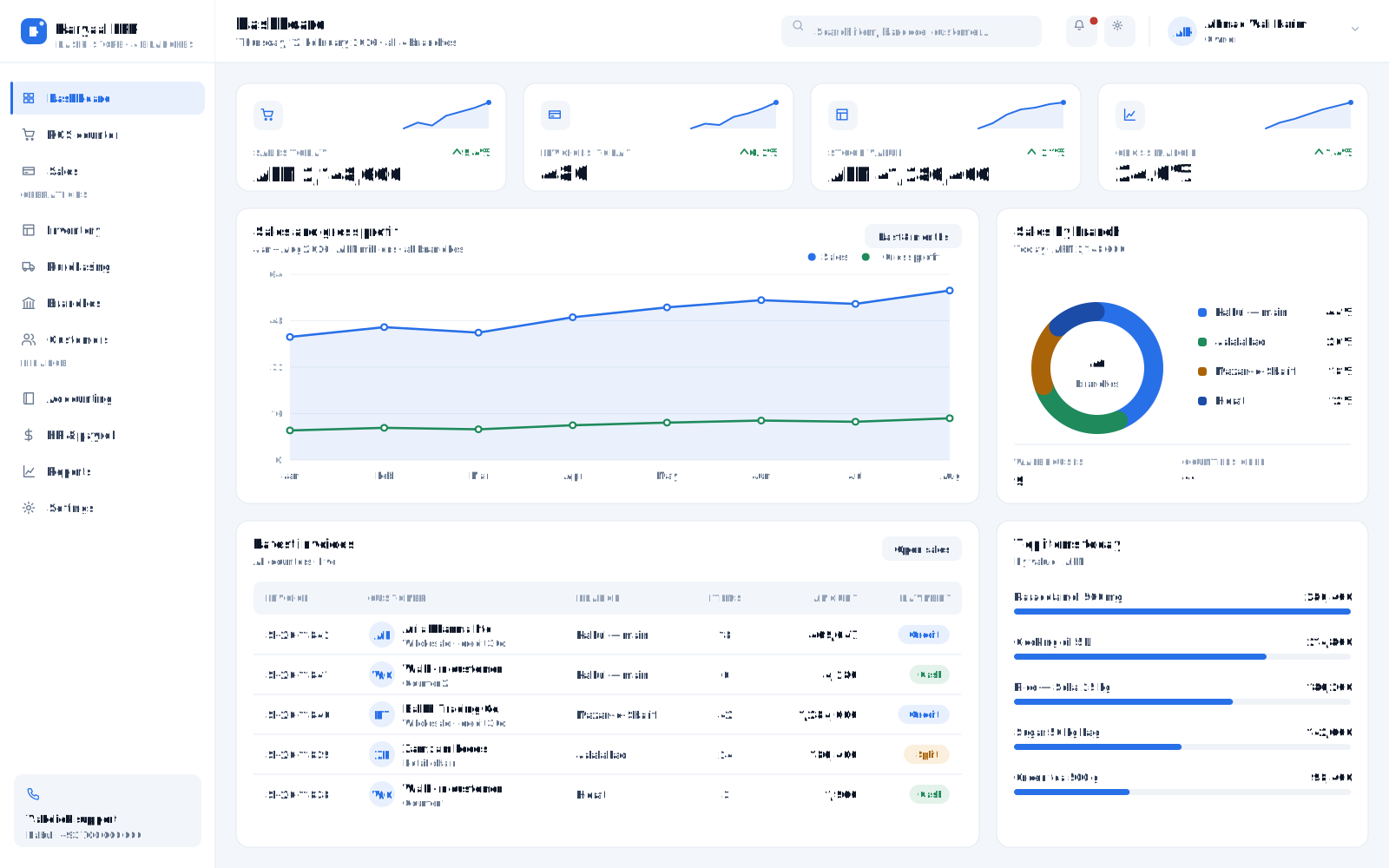
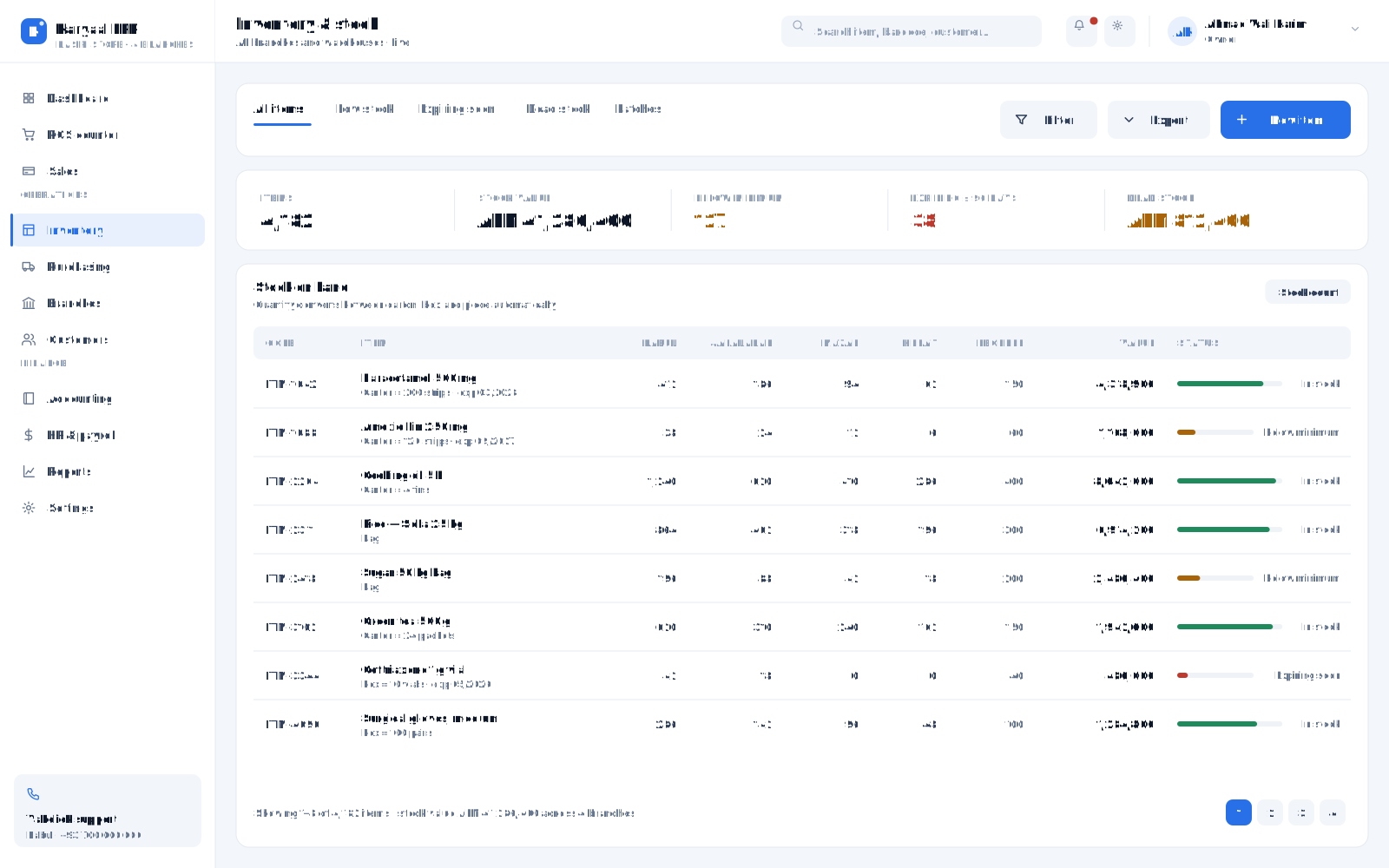
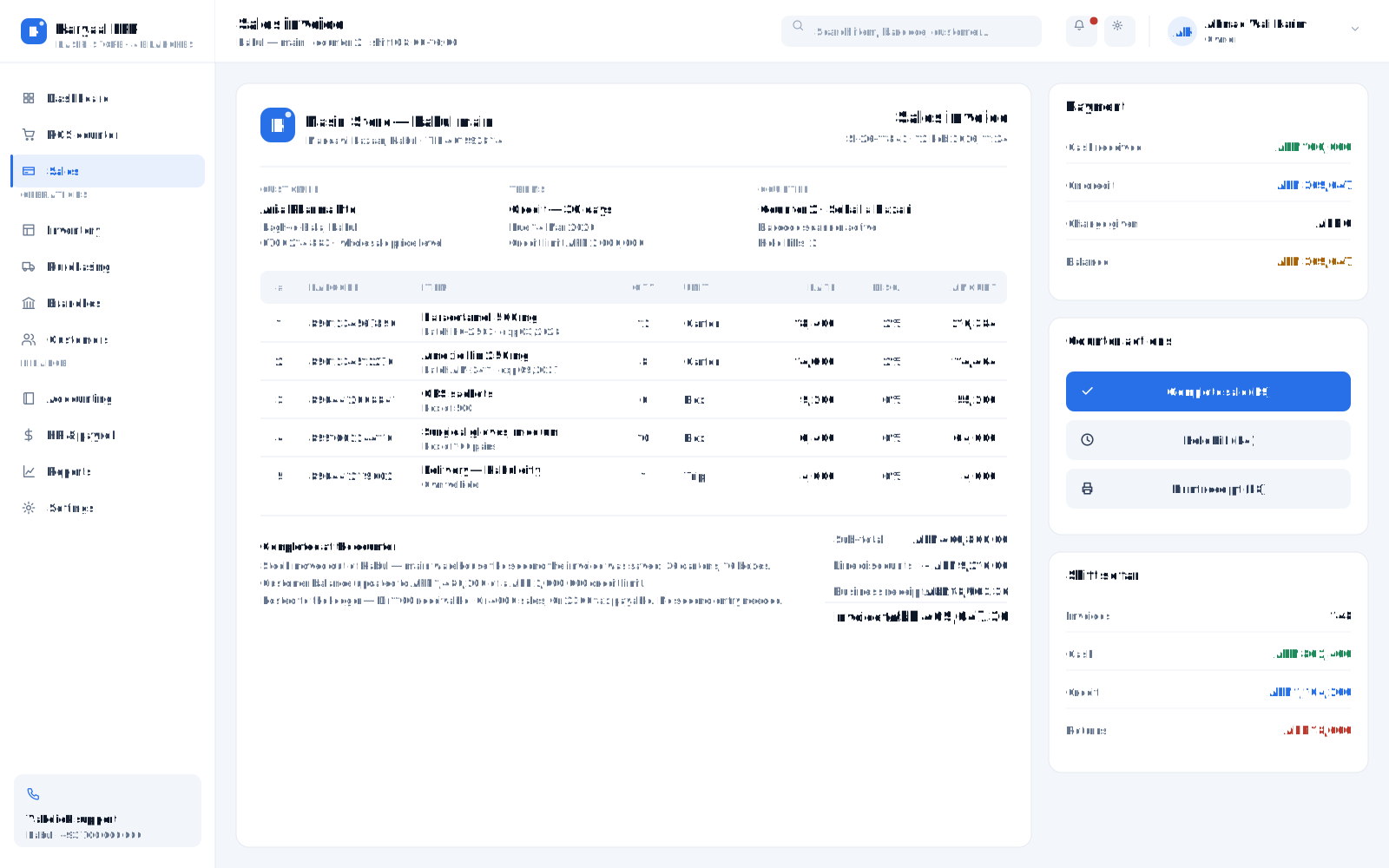
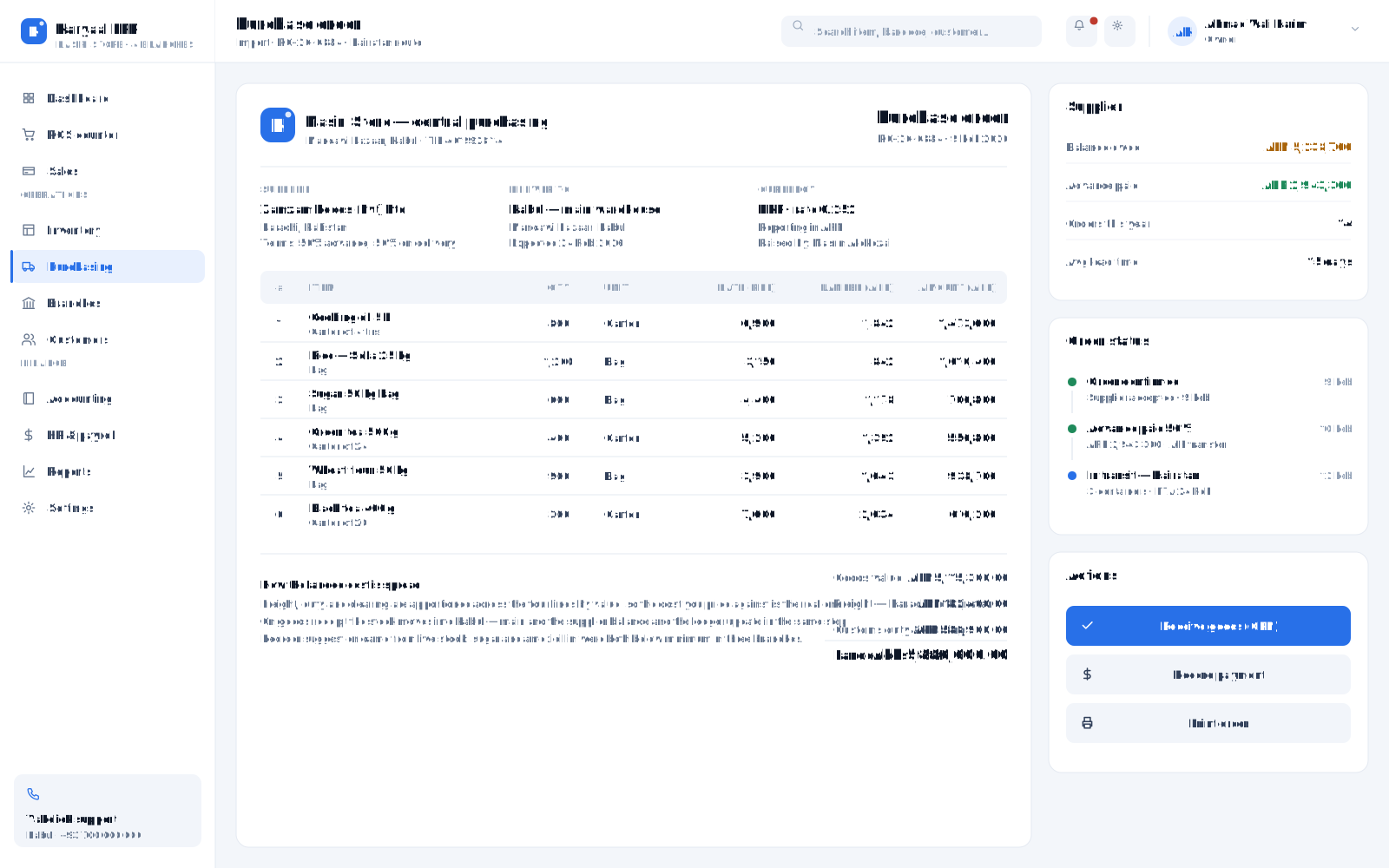
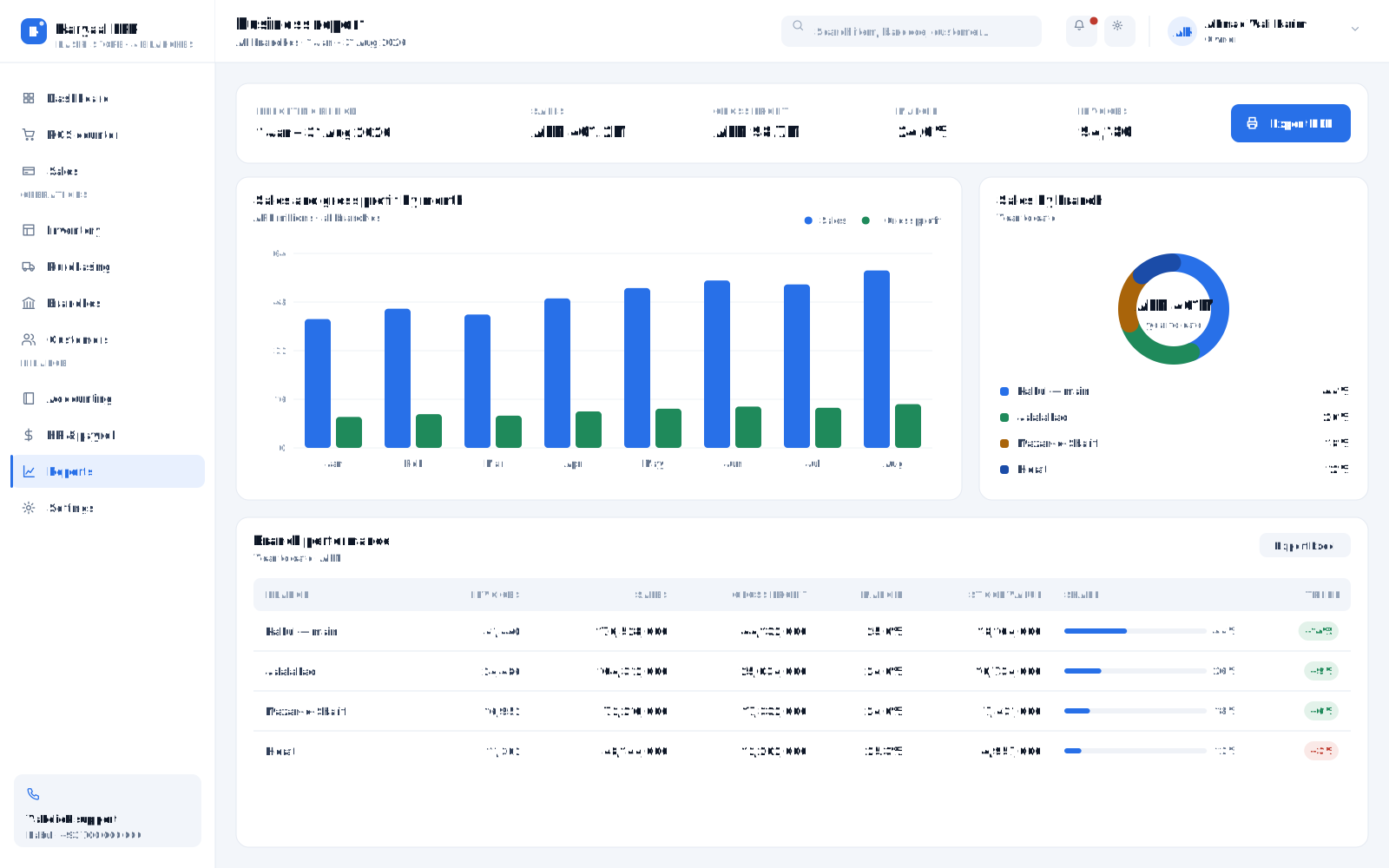
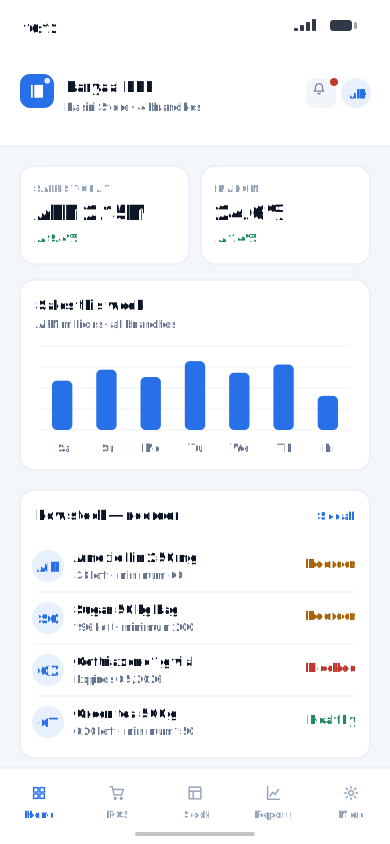
A complete, all-in-one inventory ERP that covers the whole cycle — items, purchases, sales, returns, suppliers, barcodes, batches and expiry — in one system. Run as many branches and warehouses as you need, give access to unlimited users, sell by carton, box or a single piece, and buy and report in more than one currency. You always know what you have, what it cost, what it is worth, and what needs reordering today. It is a standard ERP built to be genuinely easy — your team is billing on it the same day.
Every module below is included. Switch on what you need today and add the rest as you grow.
Item catalogue with categories, cost and sale price, opening stock and live quantity on hand across every warehouse and branch.
Define carton, box, dozen or piece for the same item, with automatic conversion — buy a carton, sell a single piece, and stock stays correct.
A fast point-of-sale screen built for a barcode scanner and touch. Scan, bill, take payment and print a receipt in seconds — ideal on an all-in-one POS PC.
Unlimited branches, and multiple warehouses inside each branch. Transfer stock between them and see stock levels per location in real time.
Purchase orders, goods received notes, supplier accounts, payments and purchase returns — with landed cost feeding item pricing.
Cash and credit invoices, customer accounts, quotations, sales returns and credit notes, with per-customer price lists.
Print and scan barcodes, track batches and expiry dates, and stop expired stock from ever being sold at the counter.
Buy, sell and report in AFN, USD, PKR and more, with exchange-rate handling and multiple price levels for wholesale and retail.
Minimum-stock alerts, reorder lists, physical stock counts and adjustments with a reason and an approver.
Every purchase, sale and payment posts to the ledger automatically — no double entry — so the books always match the stock.
Unlimited users, each with a role — a cashier, a store keeper and an owner see different screens, and every action is logged.
Stock value, fast and slow movers, margin per item, supplier and customer balances, branch-wise sales and daily cash — on desktop, tablet or phone.
We build modules to order and connect them to the same record.
Talk to our teamPricing depends on modules, seats and support. We quote in writing after a demo — never from a price list.
Installed inside your building. Keeps running when the internet drops; your data never leaves the premises.
Most hospitals Talk to usWe host, back up and monitor it. Reach it from any branch, any city, any phone.
Multi-branch businesses Talk to usLocal server for speed and resilience, synced to the cloud for reporting and off-site backup.
Groups & chains Talk to usIf you recognise your organisation here, we can show you the system running with data close to yours.
Yes. Installed on your own server it keeps running when the connection drops; the cloud option syncs when it returns. Most of our customers run it locally for exactly this reason.
Two to six weeks: data migration, configuration to your departments and prices, staff training, then a supervised go-live with our engineers on site.
Yes. Departments, services, prices, documents and reports are configured for you, and our engineers build custom modules when a step of your process does not exist yet.
You do. It sits in a SQL Server database you can back up and export at any time, and we hand over a full export if you ever leave.
Phone and WhatsApp support, remote help, on-site visits from Kabul and Jalalabad, retraining for new staff, backups and version upgrades under an annual agreement.
A demo with data close to yours — at your site, in our Kabul or Jalalabad office, or online.