

01
Chart of accounts
Your own account structure, cost centres and projects — set up once and used everywhere.
Books your auditor will accept
Accounting and financial ledger for shops, exchanges and small businesses — daily ledger, customers and suppliers, income and expenses, multi-currency and printable reports.
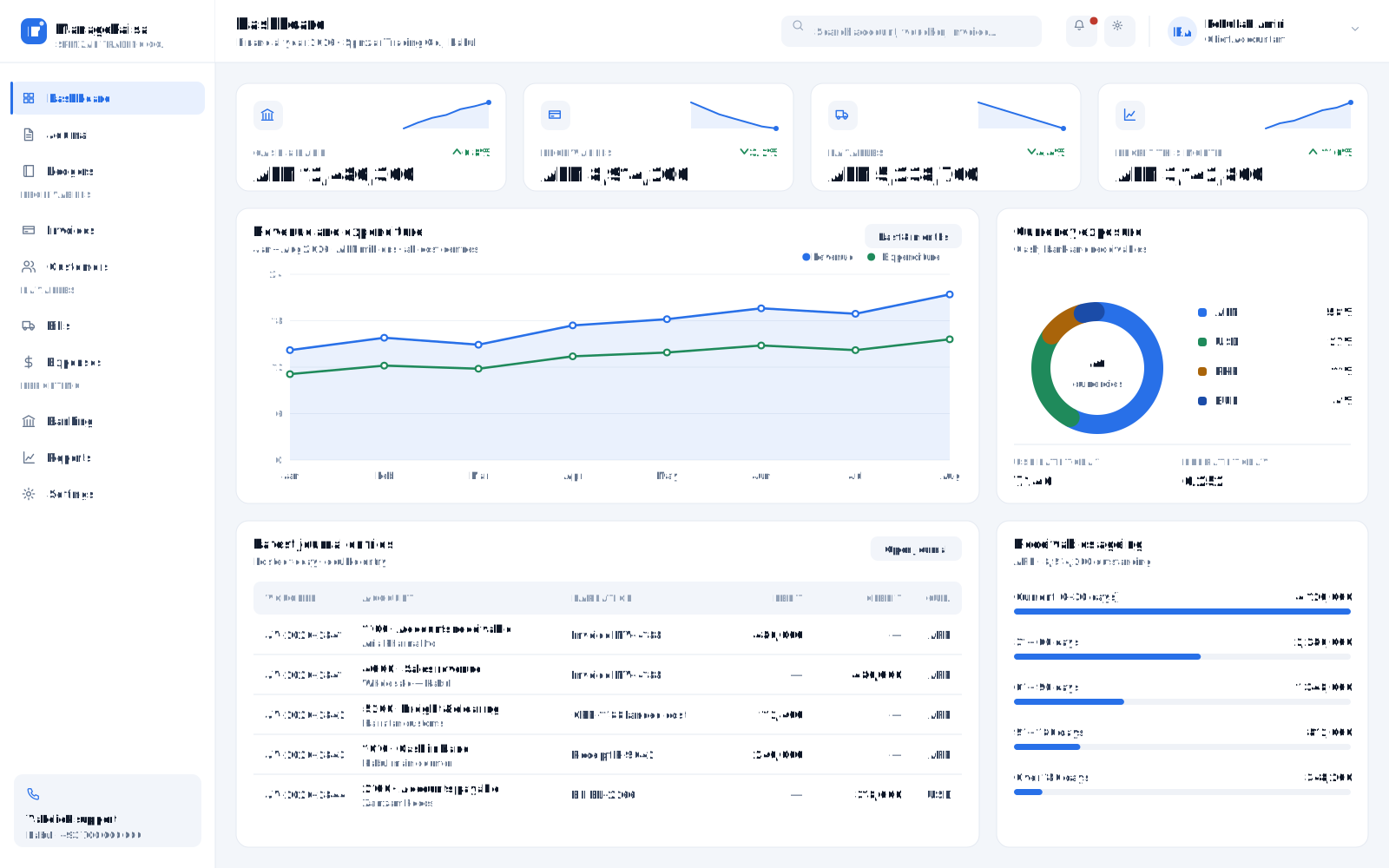
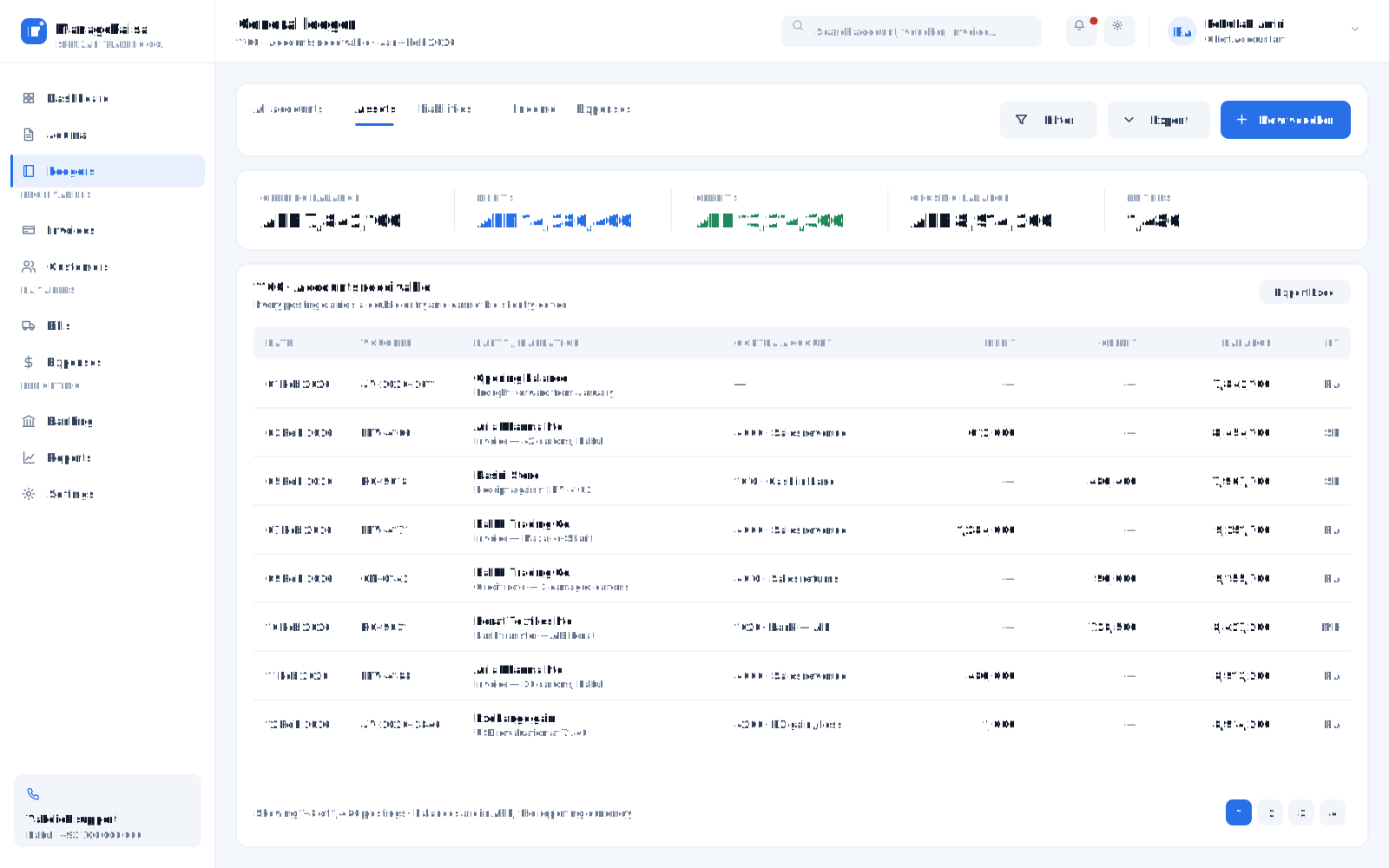
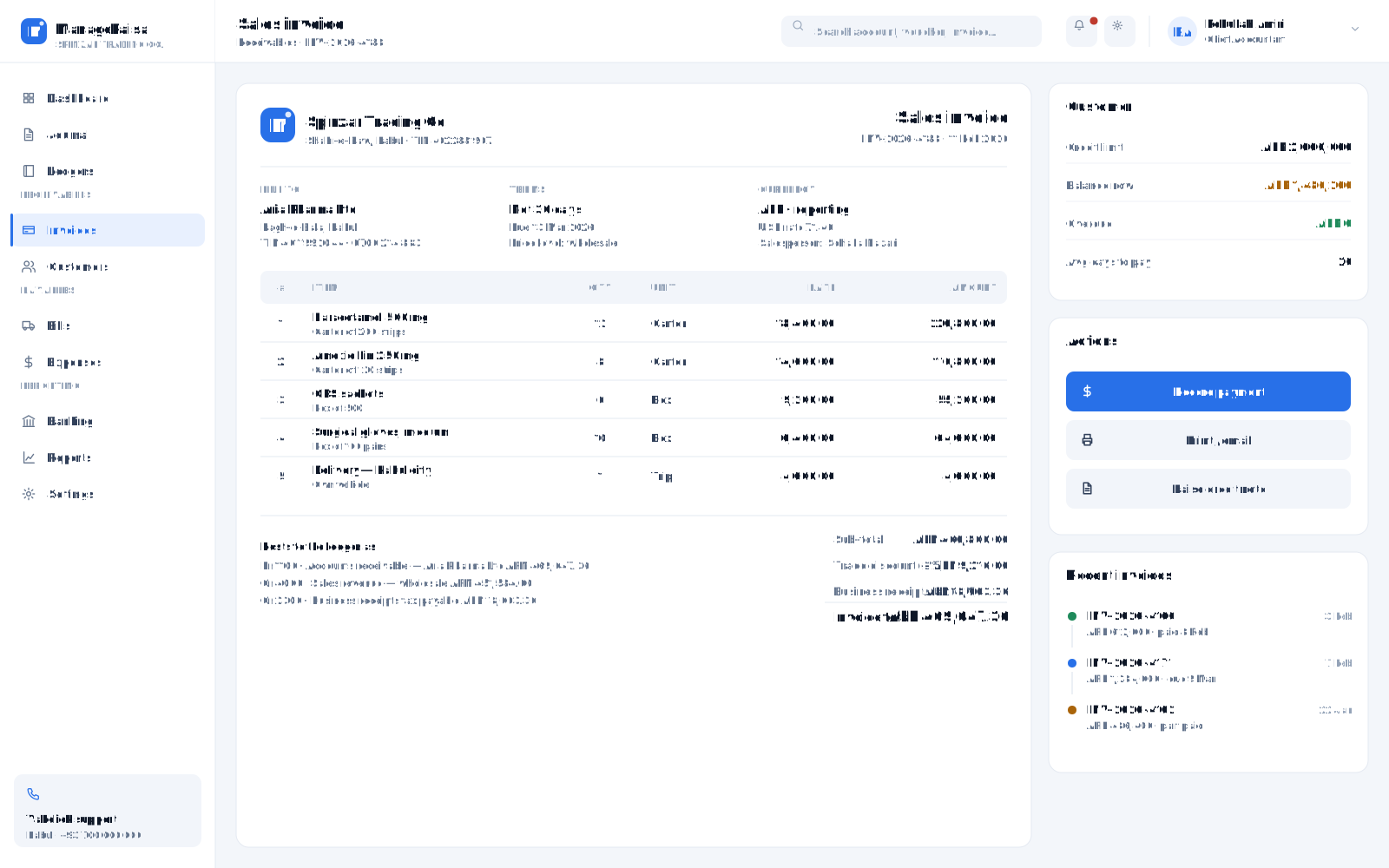
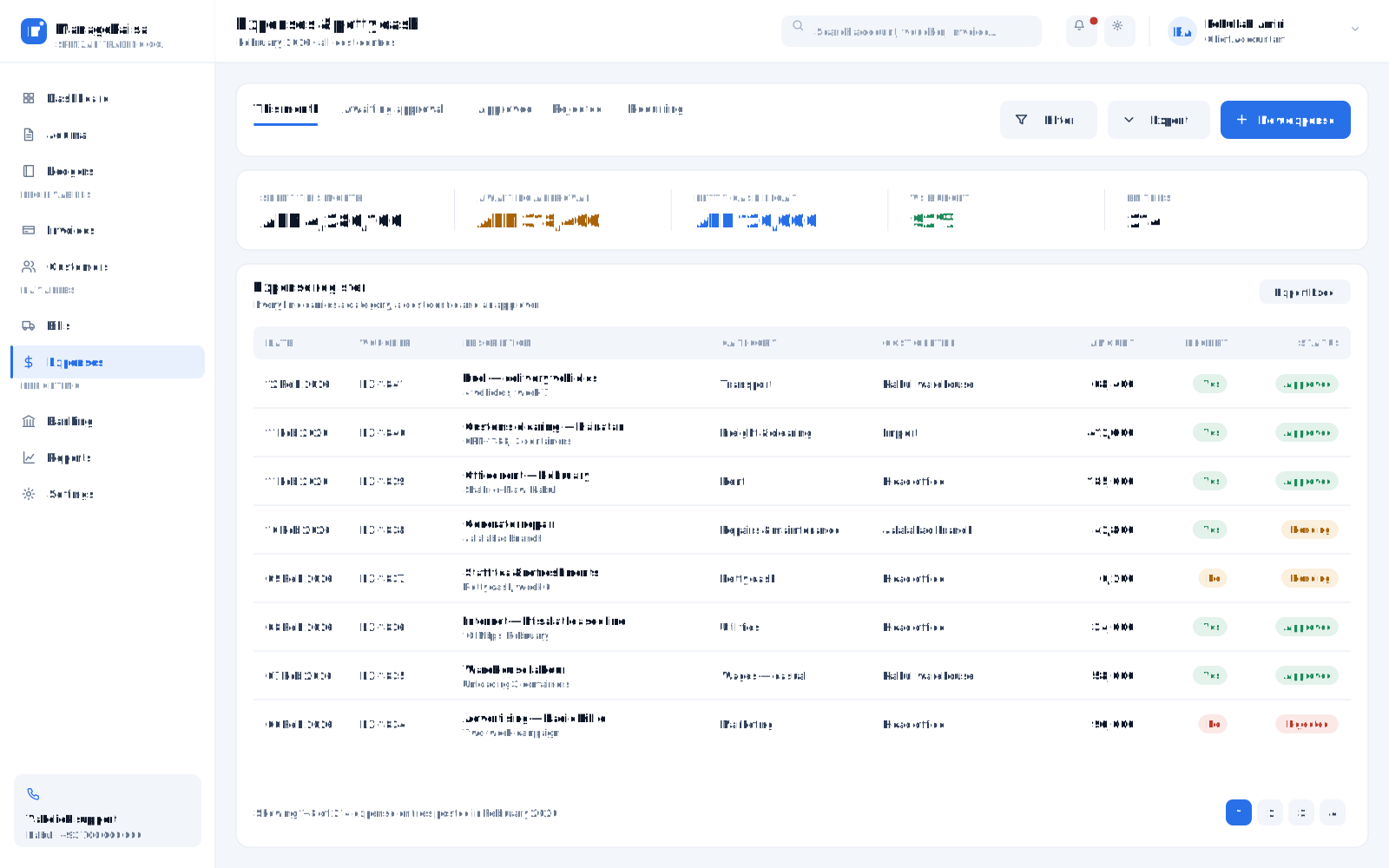
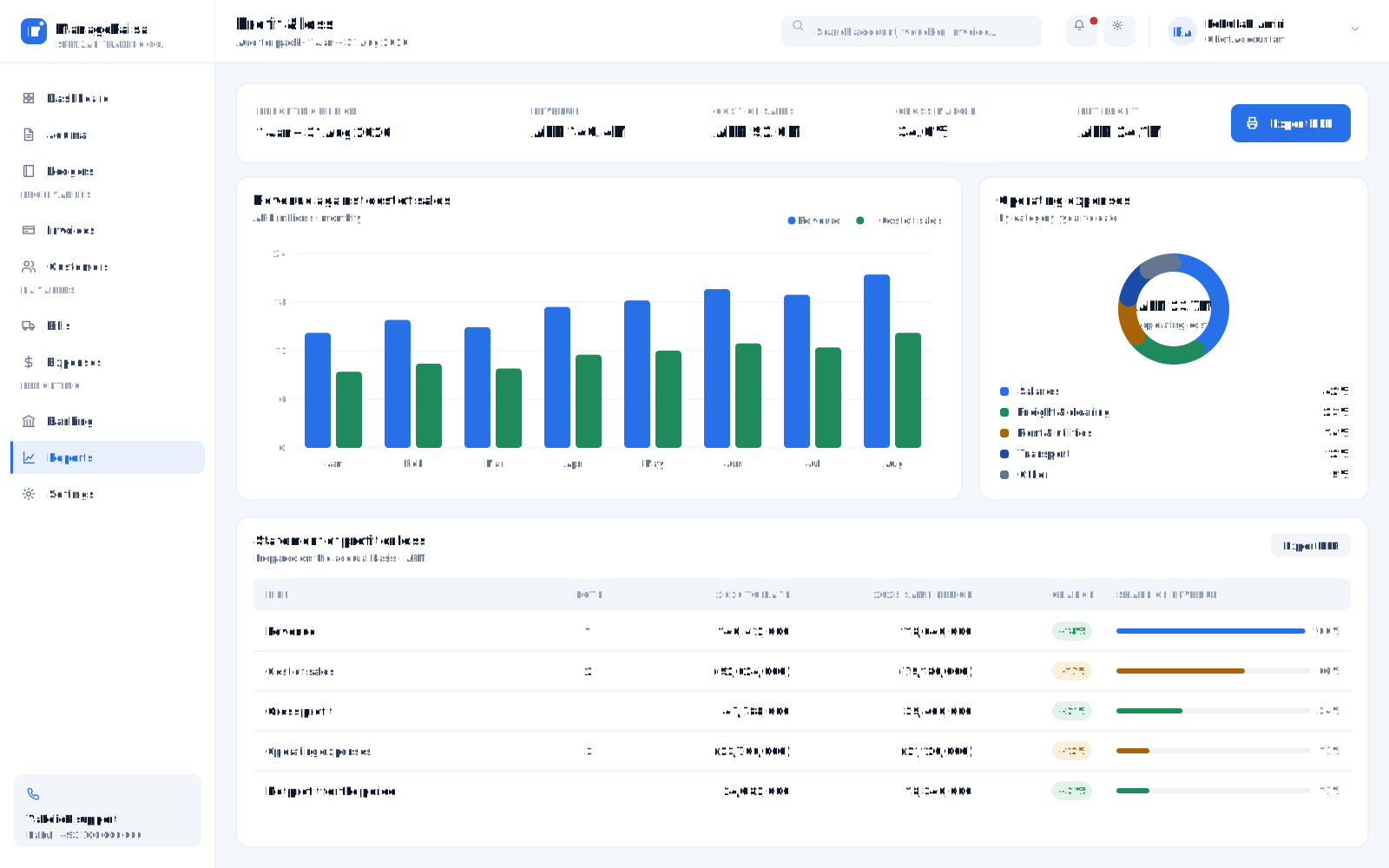
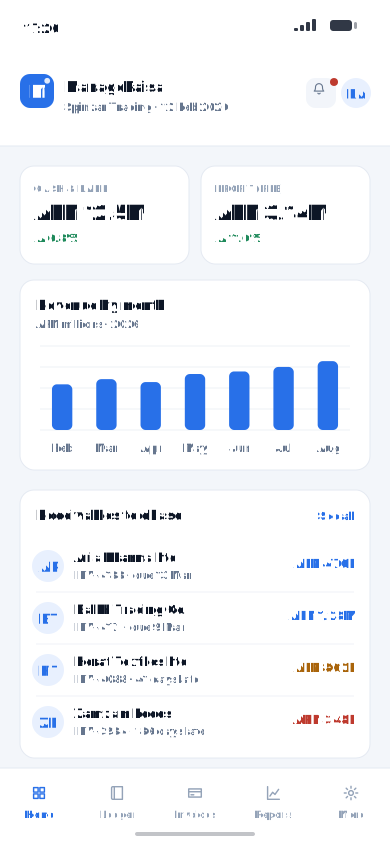
A full double-entry accounting system built for how businesses here actually work: multi-currency, cash-heavy operations, and reporting that satisfies auditors and donors.
Every module below is included. Switch on what you need today and add the rest as you grow.
Your own account structure, cost centres and projects — set up once and used everywhere.
Every transaction posted with a double entry, a full audit trail, and no silent edits.
Customer invoices, receipts, partial payments, ageing reports and follow-up lists.
Supplier bills, payments, advances and outstanding balances.
Daily expenses with categories, approvals and attached receipts.
Transactions in any currency with exchange-rate handling and gain/loss on conversion.
Set budgets per department or project and compare against actual spending as the year runs.
Trial balance, profit and loss, balance sheet and cash flow — printable and exportable.
We build modules to order and connect them to the same record.
Talk to our teamPricing depends on modules, seats and support. We quote in writing after a demo — never from a price list.
Installed inside your building. Keeps running when the internet drops; your data never leaves the premises.
Most hospitals Talk to usWe host, back up and monitor it. Reach it from any branch, any city, any phone.
Multi-branch businesses Talk to usLocal server for speed and resilience, synced to the cloud for reporting and off-site backup.
Groups & chains Talk to usIf you recognise your organisation here, we can show you the system running with data close to yours.
Yes. Installed on your own server it keeps running when the connection drops; the cloud option syncs when it returns. Most of our customers run it locally for exactly this reason.
Two to six weeks: data migration, configuration to your departments and prices, staff training, then a supervised go-live with our engineers on site.
Yes. Departments, services, prices, documents and reports are configured for you, and our engineers build custom modules when a step of your process does not exist yet.
You do. It sits in a SQL Server database you can back up and export at any time, and we hand over a full export if you ever leave.
Phone and WhatsApp support, remote help, on-site visits from Kabul and Jalalabad, retraining for new staff, backups and version upgrades under an annual agreement.
A demo with data close to yours — at your site, in our Kabul or Jalalabad office, or online.